
Guide
How to Play Minesweeper
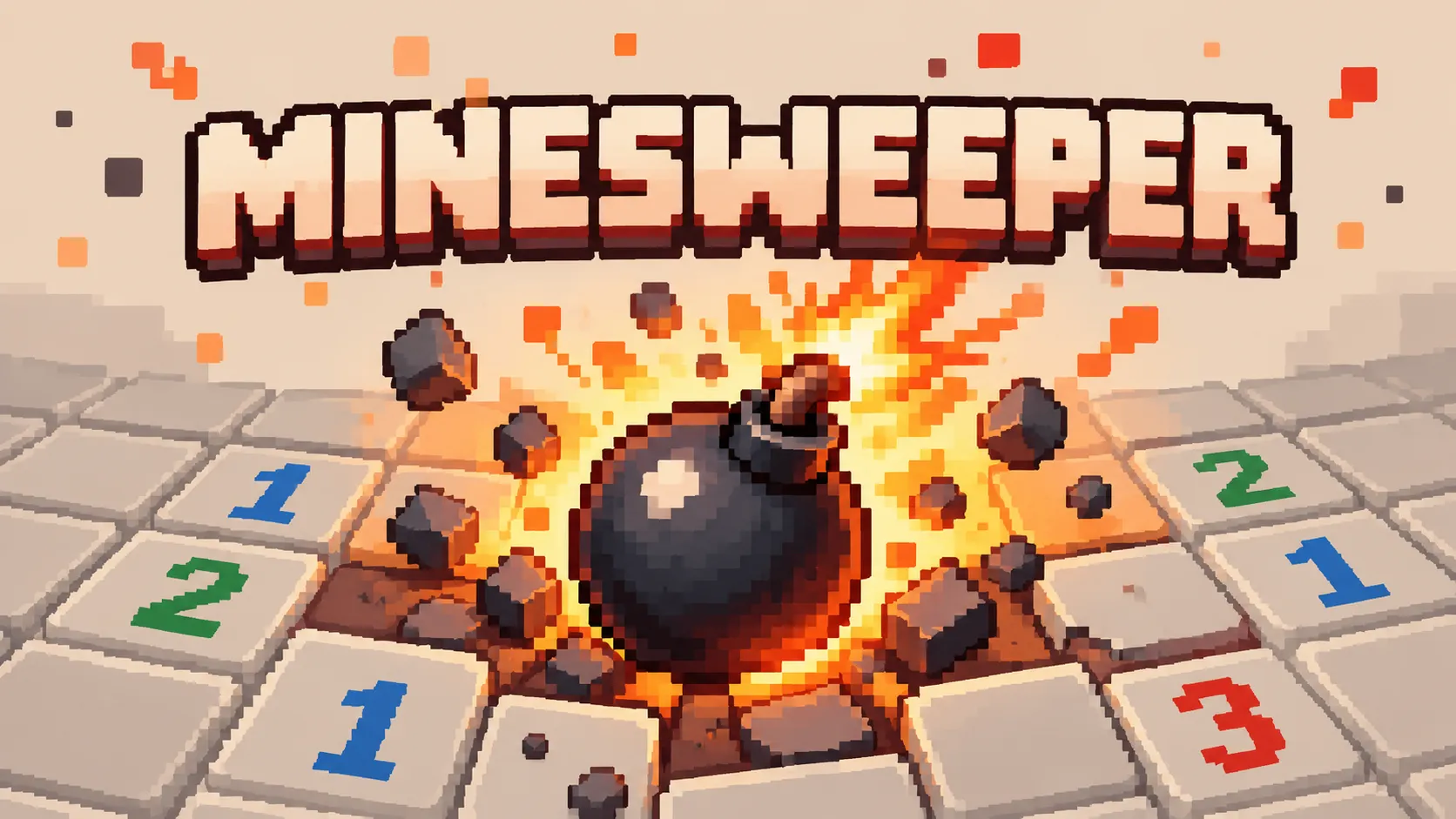
Minesweeper hides a fixed number of mines under a grid of closed cells and tells you almost nothing. Open a cell and it shows a single number: how many of the eight cells touching it contain a mine. That one number, repeated across the board, is the entire information supply. Everything else you work out.
What makes it a puzzle rather than a guessing game is how the numbers overlap. A 1 on its own rules out very little. A 1 sitting beside a 2, both looking at the same three closed cells, can settle all three. Most of Minesweeper is finding those intersections — the places where two numbers together say something neither says alone.
The first click can never be a mine, so a game always opens safely and usually cascades a large region open for free. On Opka that opening also clears the ring around wherever you click, which guarantees the cascade rather than leaving it to luck. From there you have beginner, intermediate, and expert boards, flags, chording, a timer, and a mine counter.
How a Minesweeper board is set up
A board is a rectangle of closed cells with a known number of mines hidden among them. Opka ships the three standard sizes: beginner is 9 by 9 with 10 mines, intermediate is 16 by 16 with 40, and expert is 30 wide by 16 tall with 99. The mine count is shown to you from the start; where they are is not.
Nothing is decided until you click. The mines are placed after your first open, around it rather than under it, which is why the opening move is always survivable and why no board can be lost on move one.
- Beginner 9x9 with 10 mines, intermediate 16x16 with 40, expert 30x16 with 99.
- The mine count is public; the positions are not.
- Mines are placed after the first click, never beneath it.
What the numbers mean
An open cell shows a number from 1 to 8: exactly how many mines sit in the eight cells around it, counting diagonals. A cell with no adjacent mines shows nothing at all and opens its neighbours automatically, which is what produces the large empty regions that appear on the first click.
The number counts mines, not flags, and it never changes. It is a fact about the board, so it stays true no matter what you do afterwards — which is what makes it safe to reason from.
Two rules cover most of the game. If a number already has that many flagged neighbours, every other neighbour is safe. If a number has exactly that many closed neighbours left, every one of them is a mine. Everything harder is the same two rules applied to cells that two numbers can both see.
- 1 to 8 counts adjacent mines, diagonals included.
- A blank cell has no adjacent mines and cascades open.
- Numbers count mines, not flags, and never change.
Flags
Flagging marks a cell you believe is a mine. Right-click on a desktop, long-press on touch, or switch the flag toggle on and tap normally — the toggle is there so the game is fully playable with single taps and nothing else.
A flag is your note, not the game's. Flagging the wrong cell does not warn you and does not lose the game; it just quietly makes your later reasoning wrong. What a flag does do is protect the cell: a flagged cell cannot be opened by a click or by a cascade, so marking a mine is also how you stop yourself detonating it by accident.
The counter beside the board shows mines minus flags placed, so it reads zero when you have flagged as many cells as there are mines. It goes negative if you over-flag, which is a useful sign that something in your reading has gone wrong.
- Right-click, long-press, or use the flag toggle for tap-only play.
- Flagged cells cannot be opened by a click or a cascade.
- The counter is mines minus flags, and can go negative.
Chording
Chording is the shortcut that makes a cleared region fast to work through. Click an already-open number whose flagged neighbours equal its count, and every remaining closed neighbour opens at once. On Opka that is a plain click or tap on the number itself, so it needs no second button.
It is a shortcut, not a safety net. Chording does not check that your flags are right — it trusts them. If you have flagged the wrong cell and chord next to it, the mine you failed to flag opens and the game ends. That trade is the point: chording is fast precisely because the game does not verify your reasoning for you.
- Click an open number whose flags match it to open the rest.
- Chording trusts your flags and will open a mine if they are wrong.
Why the first click is safe
A board that could kill you on the opening move would be a coin flip, not a puzzle, so the mines are not placed until you have clicked. Your cell is excluded from placement, and so is the ring of eight around it, which means the cell has no adjacent mines and therefore cascades.
That gives every game a real opening to reason from rather than a single number in the dark. It also means the board is genuinely undetermined until you move: the same seed clicked in a different place is a different minefield.
Win and lose condition
You win when every cell that is not a mine is open. You do not have to flag anything to win — flags are for your own bookkeeping — and when the last safe cell opens, the remaining mines are flagged for you rather than left as a formality.
You lose the moment a mine opens, whether you clicked it directly or a chord opened it on your behalf. There is no undo for a detonated mine: the board is finished and the only way on is a new one. That is deliberate, because a take-back would turn every uncertain cell into a free question.
Minesweeper and Sudoku
Both are pure logic puzzles on a grid with no dice and no opponent, and both are solved by finding the cell whose answer is already forced. The difference is what you are given at the start.
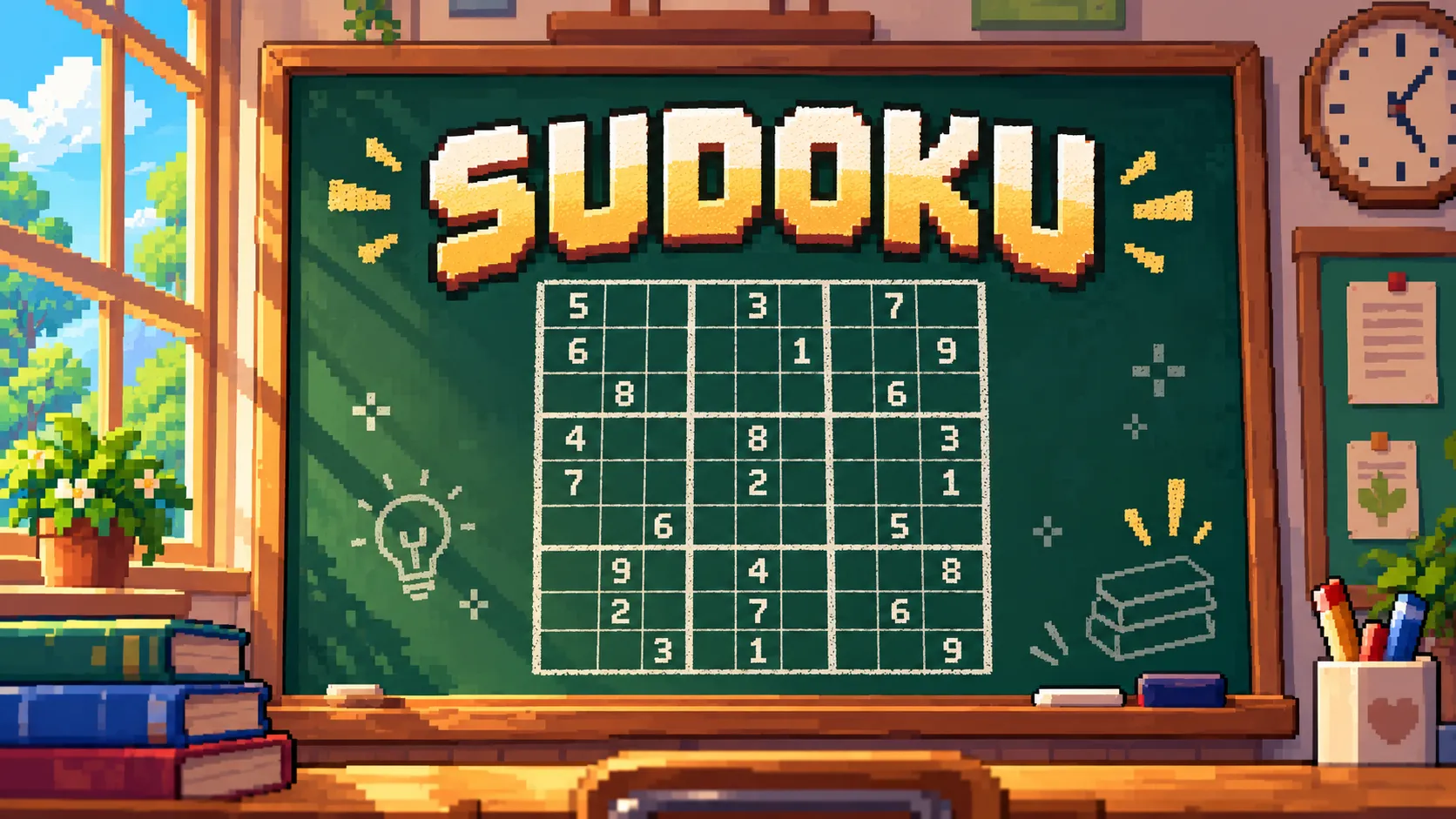
Sudoku shows you everything. Every clue is on the board from the first move, the puzzle is verified to have exactly one solution, and a correct puzzle never requires a guess. Being stuck in Sudoku always means there is a deduction you have not found.
Minesweeper hides its board and reveals it as you go, and that changes the nature of being stuck. Most positions are deducible, but some genuinely are not: two closed cells can be perfectly symmetric with respect to every number that sees them, and then no amount of reasoning distinguishes them. You pick one. Minesweeper therefore mixes deduction with a residue of real risk, where Sudoku removes risk entirely.
The other difference is consequence. A wrong digit in Sudoku costs you the moves it takes to notice and undo it. A wrong click in Minesweeper ends the game. That is why Minesweeper rewards flagging discipline and careful order of operations, while Sudoku rewards patient scanning.